Best HTML to PDF API in 2026, compared
Nine ways to turn HTML into a PDF, from hosted APIs to Chromium on your own server. Pick by the job you have. oJo fits when your own HTML template is filled with data from code or an AI agent.
Updated 26 October 2026
Pick by your job
- Your own HTML saved as a template, filled with JSON from code or an AI agent
- oJo
- Data rendered and stored in the EU
- oJo, PDFMonkey or PDFShift
- A drag-and-drop editor for people who do not write HTML
- CraftMyPDF, PDFMonkey or APITemplate.io
- PDF/A, PDF/UA or print profiles
- DocRaptor
- A region you choose for each account
- APITemplate.io or CraftMyPDF
- HTML or a URL in, a PDF out, nothing saved
- PDFShift or Api2Pdf
- Free, on your own servers
- Gotenberg, or oJo Self-Host for internal use
- Headless Chrome without a server to run
- Cloudflare Browser Run
At a glance
| Service | Engine | Your own HTML | Saved templates with data | Hosted link | Official MCP server | Data location |
|---|---|---|---|---|---|---|
| oJo | Chromium | Yes | Yes, Handlebars | Yes | Yes, remote with OAuth | EU |
| APITemplate.io | Not stated | Yes | Yes, Jinja2 and visual editors | Yes | No | US, EU, Singapore or Australia |
| PDFShift | Chromium | Yes | Yes | 2 days | Yes, remote | France |
| DocRaptor | Prince | Yes | No | Paid add-on | No | US |
| PDFMonkey | Chrome-based | No, saved templates only | Yes, Liquid and a builder | 1 day to unlimited | No | EU |
| CraftMyPDF | Not stated | No, editor templates | Yes, drag-and-drop | Expiring link | No | US, EU, Singapore or Australia |
| Api2Pdf | Chrome, wkhtmltopdf, LibreOffice | Yes | No | 24 hours | Yes, remote | Not stated |
| Gotenberg | Chromium, LibreOffice | Yes | No | No, you store the file | No | Where you run it |
| Cloudflare Browser Run | Chrome | Yes | No | No, you store the file | Yes, URL to PDF | Cloudflare’s network |
The same request on oJo
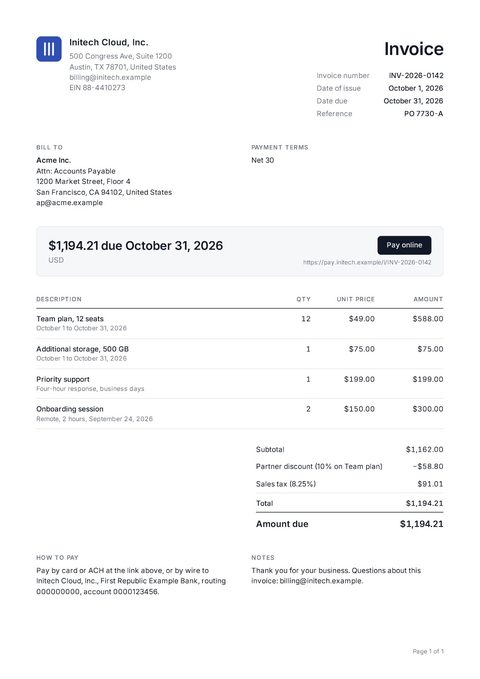
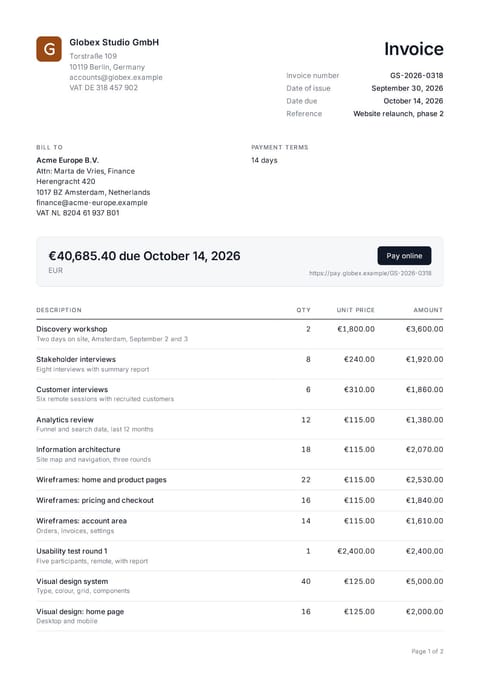
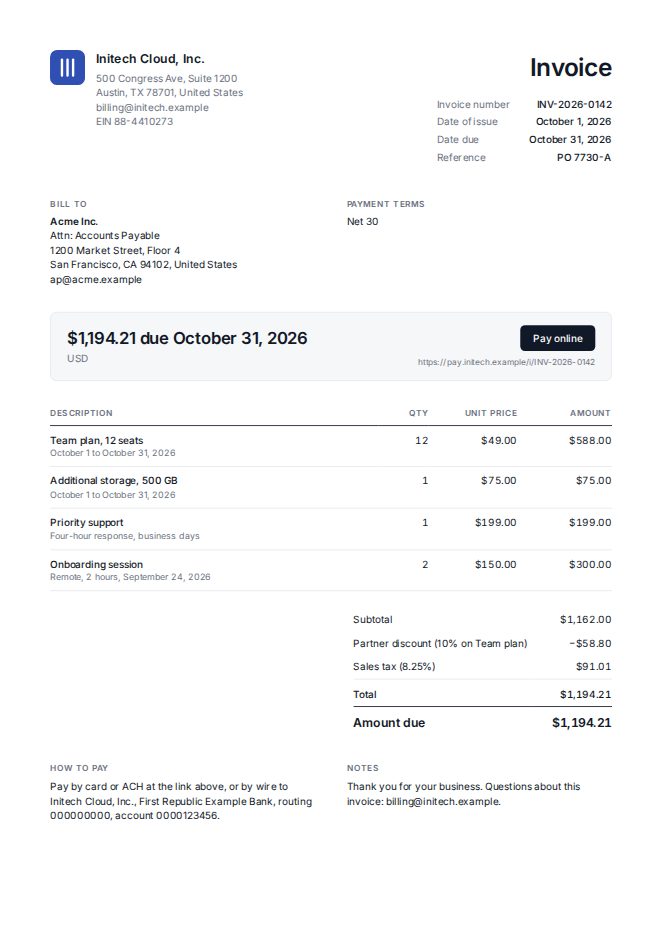
Save the template once. Each render after that is one call with the data that changes, from your code or from Claude and ChatGPT over MCP. The response holds a hosted link to the PDF.
curl -X POST https://api.ojo.so/v1/pdf/template \
  -H "Authorization: Bearer <your API key>" \
  -H "Content-Type: application/json" \
  -d '{
    "templateId": "b7e0…41d9",
    "modify": {
      "invoice": { "number": "INV-2026-0142" },
      "customer": { "name": "Acme Inc." }
    }
}'{
"pdfUrl": "user-content.example/4f2a91c3/9c1e70b2d5a84f3e.pdf",
"pages": 1,
"credits": 1
}
Questions
What does one credit buy?
One PNG, or one PDF of up to 20 pages. A 7-page report is one credit. A 45-page one is three.
Does oJo make PDF/A or PDF/UA files?
Not yet. PDF/A-3 is on the e-invoice waitlist. For PDF/UA, tell us which documents need it.
Can I use oJo from Zapier, Make or n8n?
Yes, with their HTTP request step and your API key: see the n8n, Zapier and Make guides. There is no oJo app in their catalogues yet.
Can I bring a Figma or Canva design?
Export it as a PDF or an image and ask your AI agent, connected to oJo over MCP, to rebuild it as a template. Check the preview, then save it. See Template from a PDF or image.
Where is my data?
oJo renders and stores templates and files in the EU.
Can I run oJo on my own servers?
Yes, with oJo Self-Host, free for personal and internal business use under the Sustainable Use License. Selling it as a service needs hosted oJo.
Can I take my templates with me?
Yes. They are plain HTML and Handlebars, and GET /v1/template/:id returns them with your API key.
How we compared
Features were read from each vendor’s own pages on 26 October 2026 and change over time, so check the vendor’s site before you decide. Send corrections to [email protected].